Learn how to delete Nintendo account safely, understand what happens to your data, and follow simple steps to remove your account permanently.
If you no longer use Nintendo services or simply want to remove your profile from the platform, understanding how to delete Nintendo account is important. Many users decide to close their accounts due to privacy concerns, switching gaming platforms, or reducing their online presence. However, deleting an account is a significant action because it can affect purchases, game progress, and linked services.
Nintendo has made the account deletion process relatively straightforward, but there are several details users should know before proceeding. From understanding the consequences to backing up important information, taking the right steps can help you avoid unexpected issues. This guide explains everything in a clear and easy-to-follow manner.
“Deleting a Nintendo Account is permanent after the grace period ends, so users should carefully review their data and purchases before confirming the request.”
Understanding What a Nintendo Account Is
A Nintendo Account serves as the central hub for many Nintendo services. It allows players to access the Nintendo eShop, manage digital purchases, use online features, and connect with friends across compatible devices. Whether you own a Nintendo Switch or use mobile Nintendo applications, the account plays an important role in your gaming experience.
Because the account stores valuable information such as purchase history, subscriptions, and user settings, removing it is not something to do without preparation. Many people assume they can simply create a new account later and recover everything, but that is not always possible. Understanding the role of your account helps you make an informed decision before moving forward.
Quick Overview of Nintendo Account Functions
| Feature | Purpose |
| Nintendo eShop Access | Purchase and download games |
| Nintendo Switch Online | Online multiplayer and cloud saves |
| Friend Management | Connect with other players |
| Digital Purchases | Store game and DLC ownership |
| Account Settings | Manage profile and security preferences |
| Rewards Programs | Access eligible Nintendo rewards |
Reasons People Delete Their Nintendo Account
There are several reasons why users decide to remove their Nintendo profile. Some gamers switch to another platform and no longer need access to Nintendo services. Others want to reduce the number of online accounts they maintain for security and privacy reasons.
Another common reason involves duplicate accounts. Some users accidentally create multiple Nintendo Accounts and later decide to keep only one. In such cases, deleting the unused profile helps simplify account management and prevents confusion when making purchases or accessing services.
Regardless of the reason, it is important to evaluate whether deletion is truly necessary. In some situations, changing settings or unlinking services may solve the problem without permanently removing the account.
Important Things to Know Before Account Deletion
Before learning how to delete Nintendo account, users should understand the consequences. Once the deletion process is completed, associated data may become unavailable. This includes account information, purchase records, and certain online features.
Nintendo also provides a grace period before final removal occurs. During this period, users may be able to reactivate the account if they change their minds. However, once the grace period expires, the account and associated information are generally removed permanently.
It is wise to review subscriptions, linked services, and stored information before taking action. Spending a few minutes preparing can prevent frustration later.
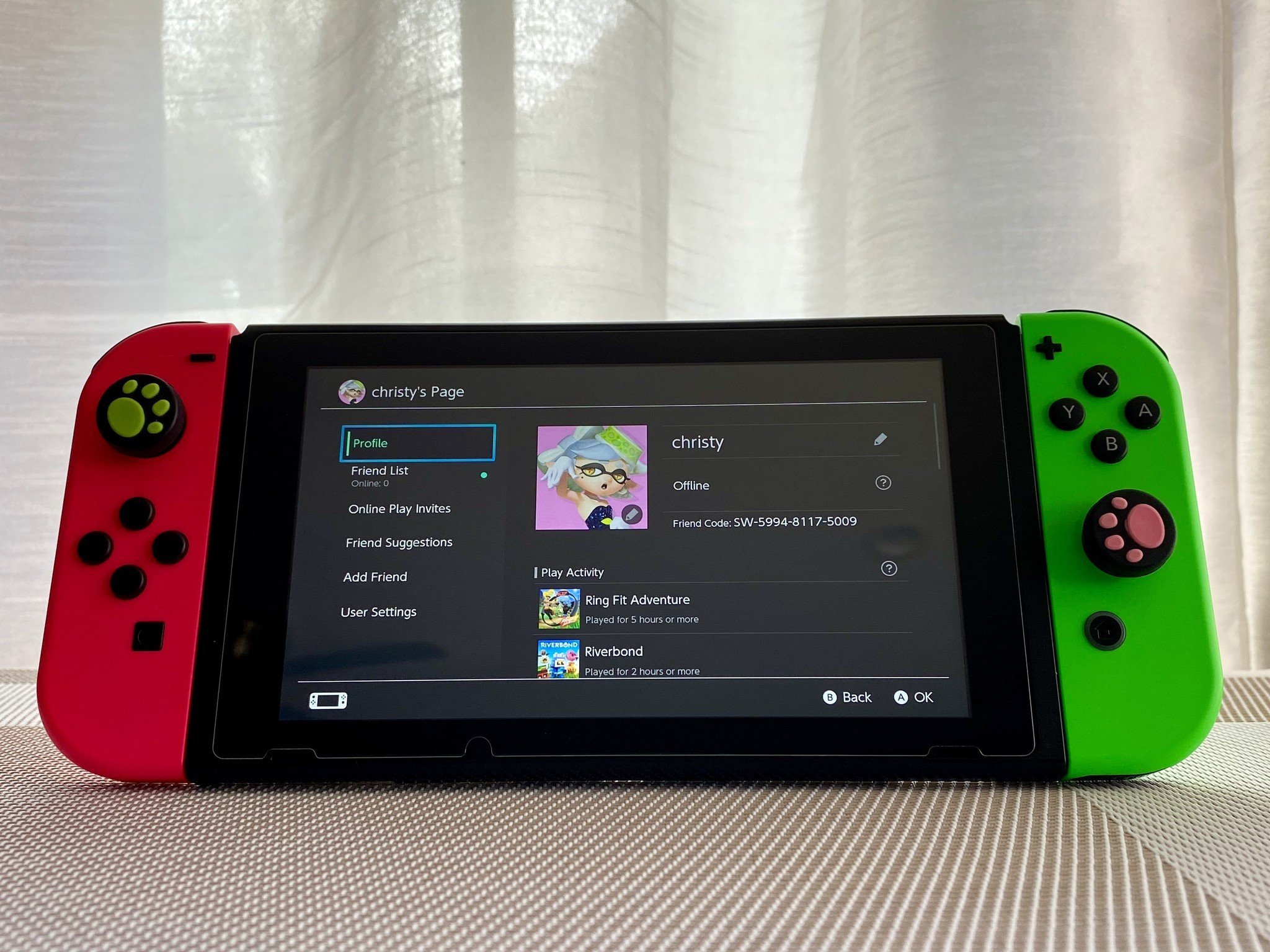
Data You May Lose After Deletion
Many people underestimate how much information is tied to their Nintendo profile. Digital purchases are among the most important considerations. Depending on Nintendo policies and account status, access to purchased content may be affected after deletion.
Users may also lose access to membership benefits and online features. Saved settings, account preferences, and certain connected services can become inaccessible as well. Anyone considering account removal should carefully evaluate whether these losses are acceptable.
If there are games, downloadable content, or subscriptions you still use, you may want to postpone deletion until you are certain they are no longer needed.
How to Delete Nintendo Account Safely
If you have decided that account removal is the right choice, the process is relatively simple. Begin by signing into your Nintendo Account through the official account management page.
Navigate to the account settings section and locate the option related to account status. Nintendo provides instructions and warnings explaining the consequences of account deletion. Carefully read all information presented before continuing.
After confirming your identity, you can submit a deletion request. In most cases, the account enters a deactivation period before permanent removal occurs. During this time, reactivation may still be possible if you sign in again and follow Nintendo’s instructions.
The key is to read every prompt carefully rather than rushing through the process. Doing so helps ensure you fully understand the outcome.
How Account Deactivation Differs From Deletion
Many users confuse deactivation with permanent deletion. While they may seem similar, they are not exactly the same. Deactivation temporarily disables access while keeping the account within Nintendo’s system during the grace period.
Permanent deletion occurs after the designated period ends. At that point, account recovery may no longer be possible. Understanding this distinction is essential because it provides a final opportunity to reconsider the decision.
For users who are uncertain, allowing time during the deactivation phase can be helpful. It offers flexibility while still moving toward account removal if desired.
Managing Linked Nintendo Services
A Nintendo profile may be connected to various services and devices. Before deleting the account, review all linked platforms to ensure there are no important connections that will be affected.
Some users connect social media profiles, gaming devices, or family accounts. Removing the primary account can impact how these services function. Taking inventory beforehand helps avoid surprises.
It is also a good idea to check active subscriptions and recurring services. Canceling unnecessary memberships before deletion can simplify the process and prevent confusion later.
Alternatives to Deleting Your Nintendo Account
Deleting an account is not always the best solution. In many situations, adjusting privacy settings or changing account information can address the underlying concern. For example, users worried about security may benefit from updating passwords and enabling additional protection features.
Others simply want to stop receiving emails or notifications. These preferences can often be modified without removing the account entirely. Exploring alternatives first may save you from losing access to purchases and account benefits.
If your goal is to take a break from gaming, logging out or limiting usage can be another practical option. Permanent deletion should generally be reserved for situations where the account is no longer needed.

Common Mistakes to Avoid During the Process
One frequent mistake is deleting an account without reviewing purchase history. Users sometimes discover later that they still needed access to games or downloadable content linked to the account.
Another issue involves forgetting about active subscriptions. Membership services should be checked carefully before proceeding. Ignoring them can create confusion about billing or access rights.
People also make the mistake of rushing through confirmation screens. Reading each notice helps ensure there are no misunderstandings regarding data removal and account recovery limitations.
Privacy Benefits of Removing an Unused Account
For some users, privacy is the primary motivation behind account removal. Reducing the number of online accounts can lower exposure to potential security risks and make digital life easier to manage.
Unused accounts often contain personal information that users no longer wish to keep online. Removing profiles that are no longer necessary may provide peace of mind and reduce the need to monitor multiple accounts.
However, privacy benefits should always be balanced against the potential loss of services and digital purchases. Careful consideration leads to better long-term decisions.
Conclusion
Understanding how to delete Nintendo account is essential before making a permanent decision. While the process is straightforward, it carries important consequences related to digital purchases, subscriptions, and account data. Taking time to review linked services, understand Nintendo’s policies, and consider alternatives can help ensure you make the right choice.
If you are confident that you no longer need your account, following the proper steps will allow you to complete the process safely. Always review your information carefully and make sure you are comfortable with the potential loss of access before confirming deletion.
FAQs About How To Delete Nintendo Account
Can I recover my account after I delete it?
Nintendo typically provides a grace period after a deletion request is submitted. During that time, account recovery may be possible. Once the period ends and deletion becomes permanent, recovery is generally no longer available.
Will I lose my purchased games if I delete my account?
Digital purchases are associated with your Nintendo Account. Depending on Nintendo’s policies, access to purchased content may be affected after deletion. Review your purchase history before proceeding.
How long does it take to complete the deletion process?
The process usually begins immediately after the request is submitted, but permanent removal may occur after a waiting period. This delay allows users an opportunity to reactivate the account if they change their minds.
Is deleting my account the same as uninstalling games?
No. Uninstalling games only removes them from your device. Account deletion affects the account itself and may impact purchases, subscriptions, and online services connected to that profile.
Should I delete my account if I only want more privacy?
Not necessarily. You may be able to improve privacy by adjusting account settings, updating security options, or disabling certain features. Consider these alternatives before choosing permanent account deletion.
Can I create a new Nintendo Account later?
Yes, users can create a new account in the future. However, previous purchases, settings, and account-specific information may not transfer automatically, so it is important to understand the consequences beforehand.
You May Also Read: St Pancras New Church: A Complete Guide to Its History, Architecture, and Cultural Importance